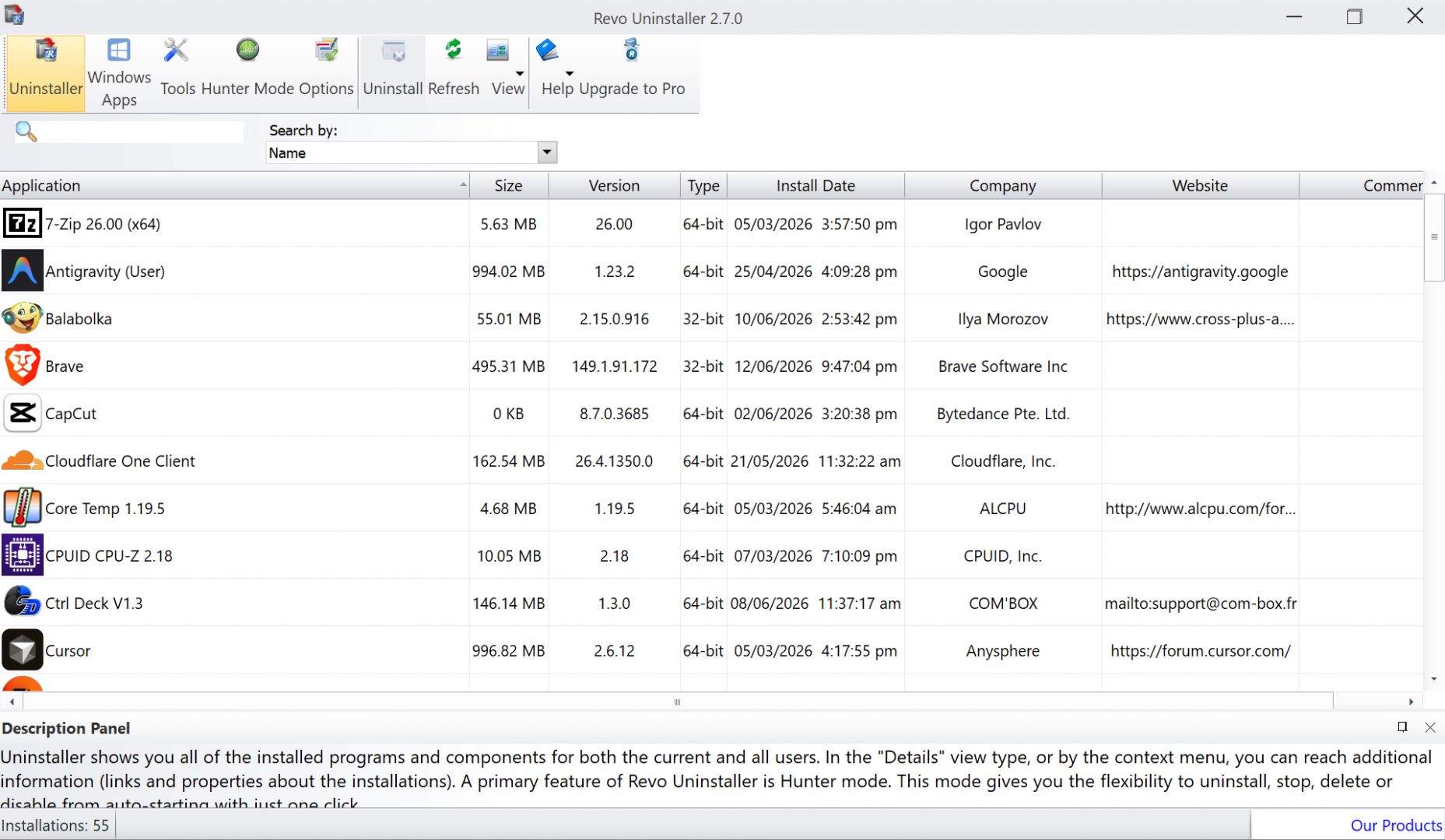
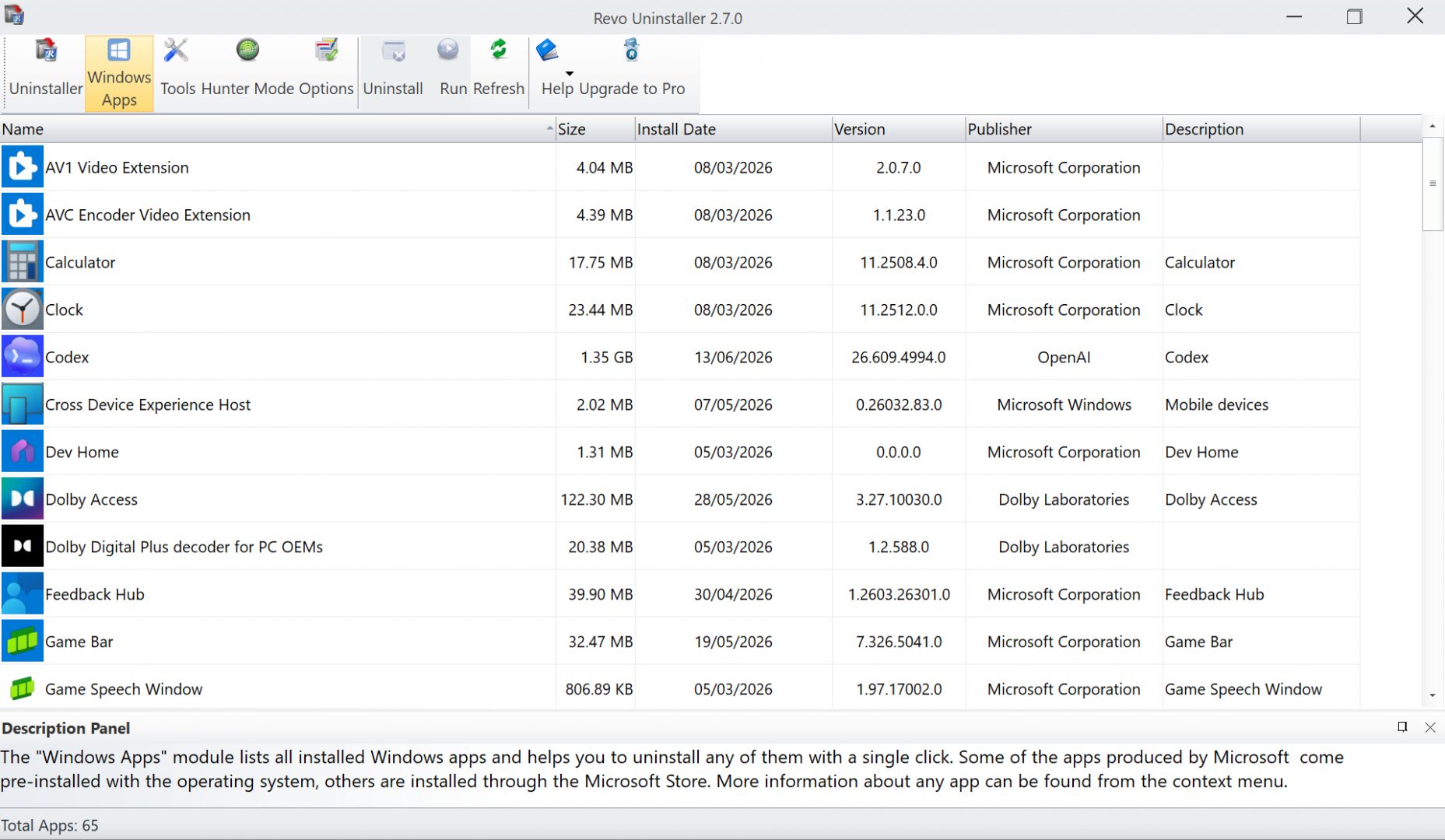
Revo Uninstaller is a Windows utility that rips out applications far more thoroughly than the standard built-in uninstaller. The default Windows uninstaller is notoriously lazy, frequently leaving behind orphaned folders, temporary files, and obsolete registry keys that quietly eat up disk space. If you want a truly clean machine, you need a dedicated removal tool.
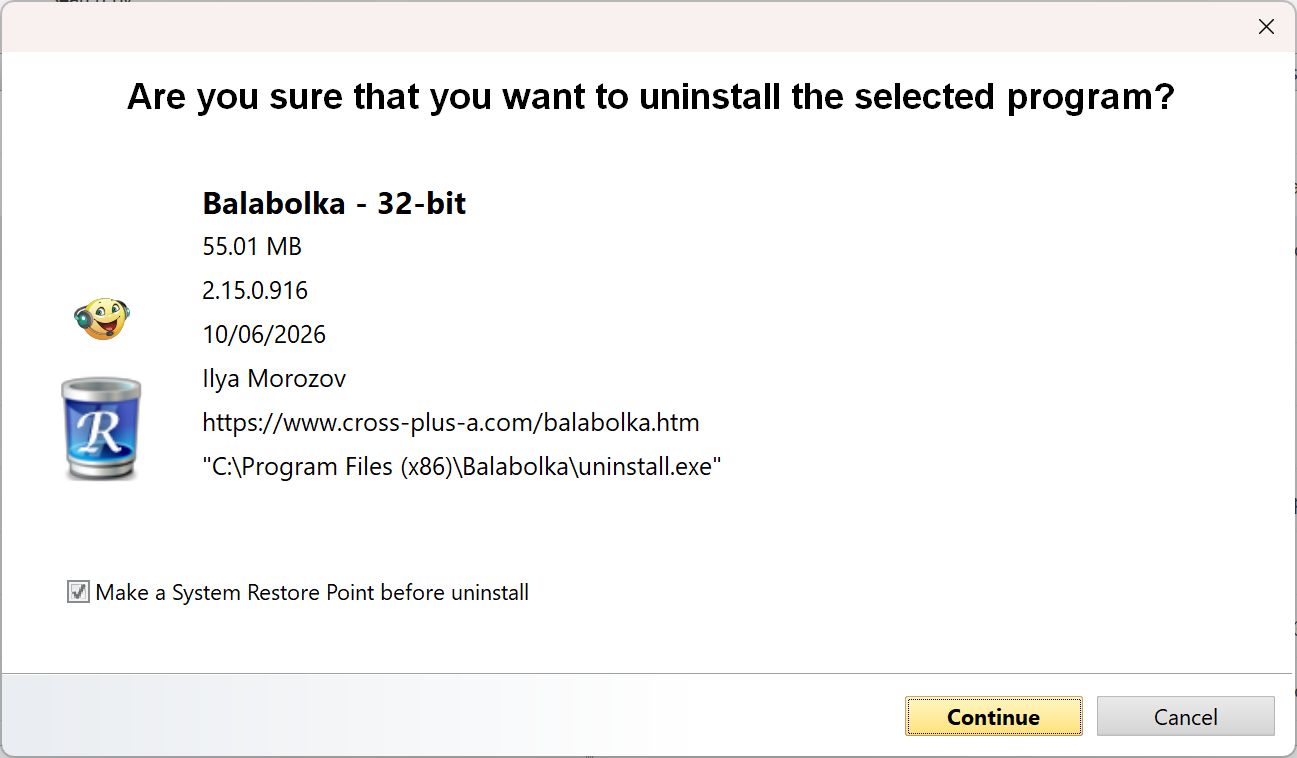
Instead of just triggering the standard uninstall routine and calling it a day, Revo works in phases. First, it runs the program’s native uninstaller. Then, it aggressively scans your hard drive and registry for any remaining digital residue. You can review and delete these abandoned files, keeping your PC running fast and clutter-free.
Software removal and leftover cleanup
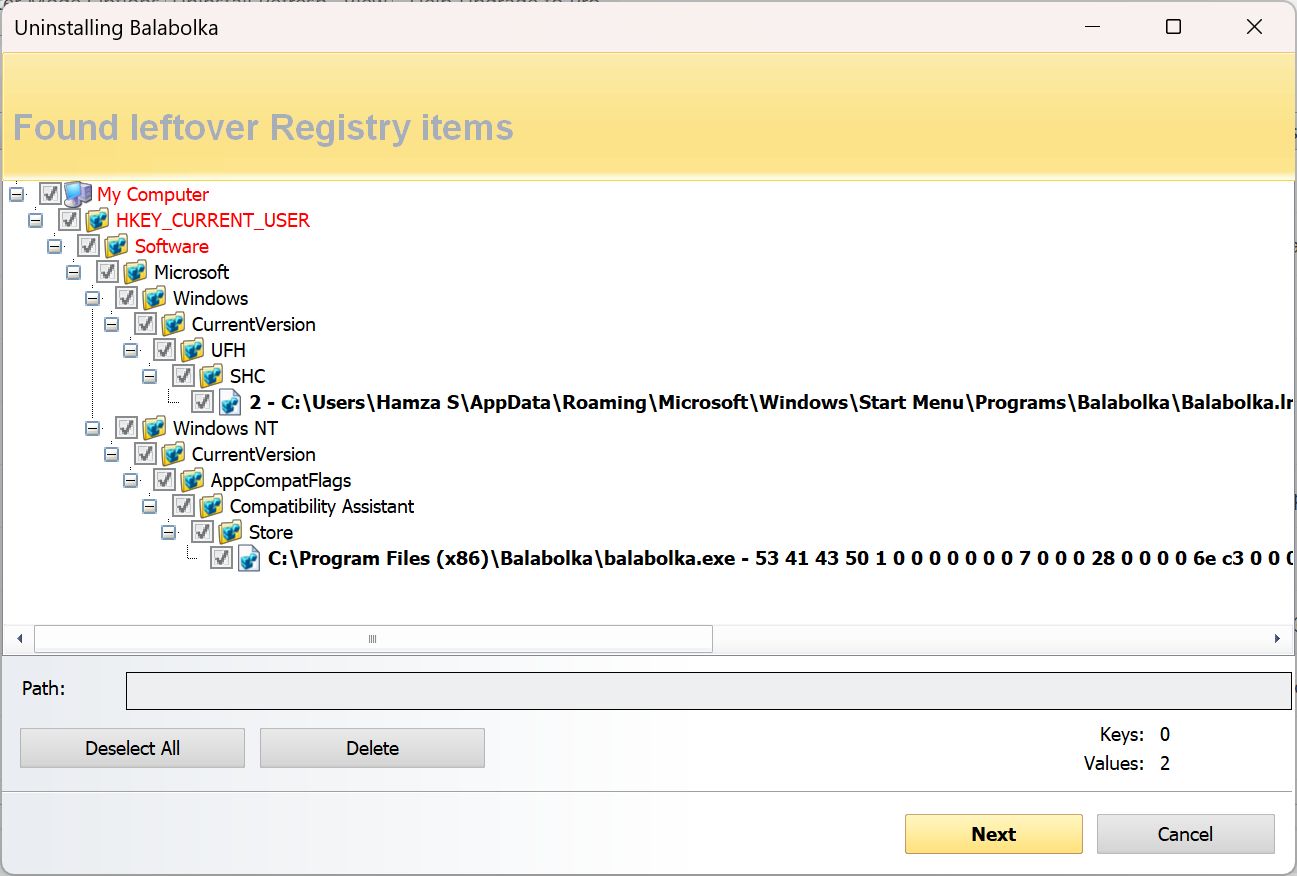
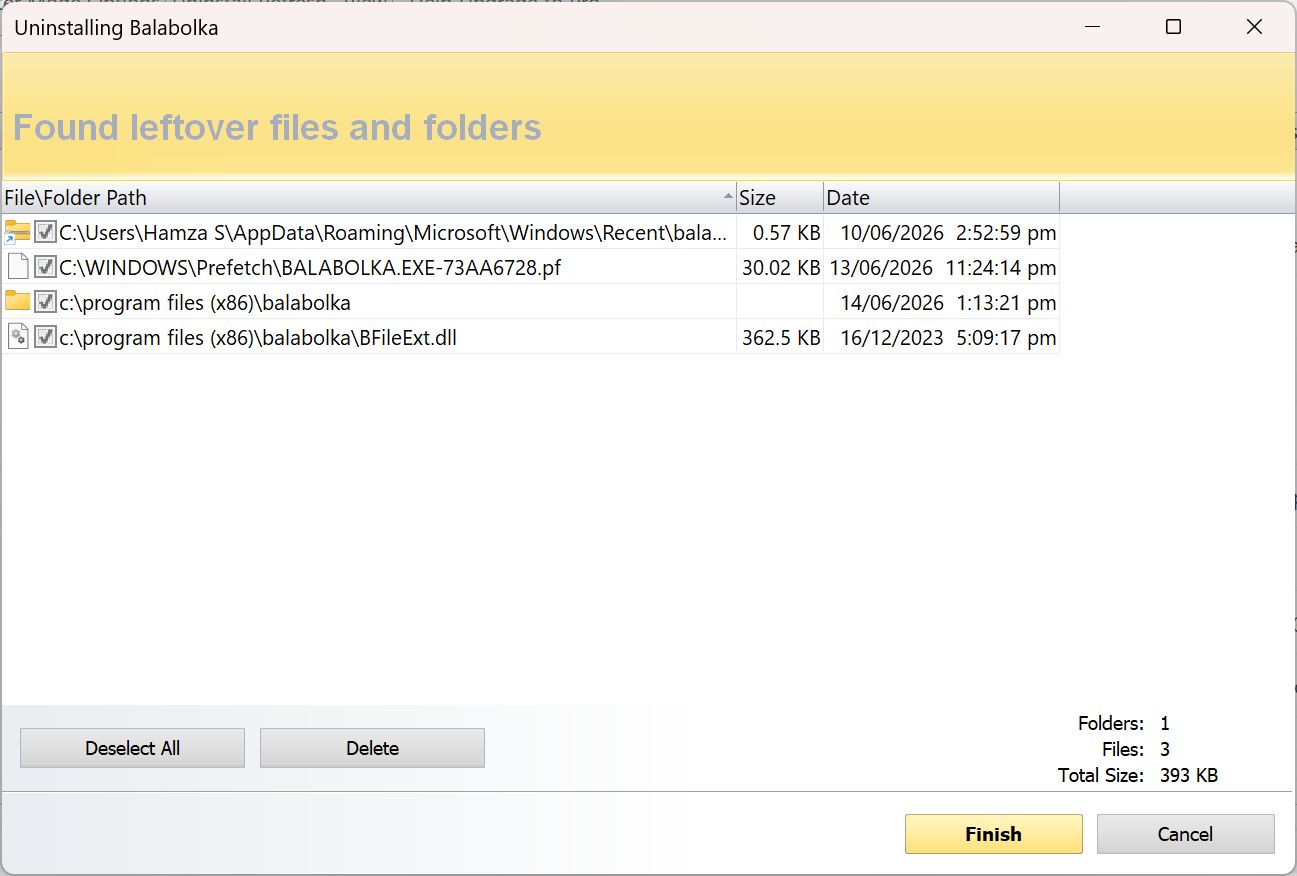
Revo Uninstaller packs a highly effective leftover scanning engine. After the primary software is removed, it hunts down items like:
- Residual files and nested hidden folders
- Registry entries left behind after uninstalling
- Temporary data tied to the removed applications
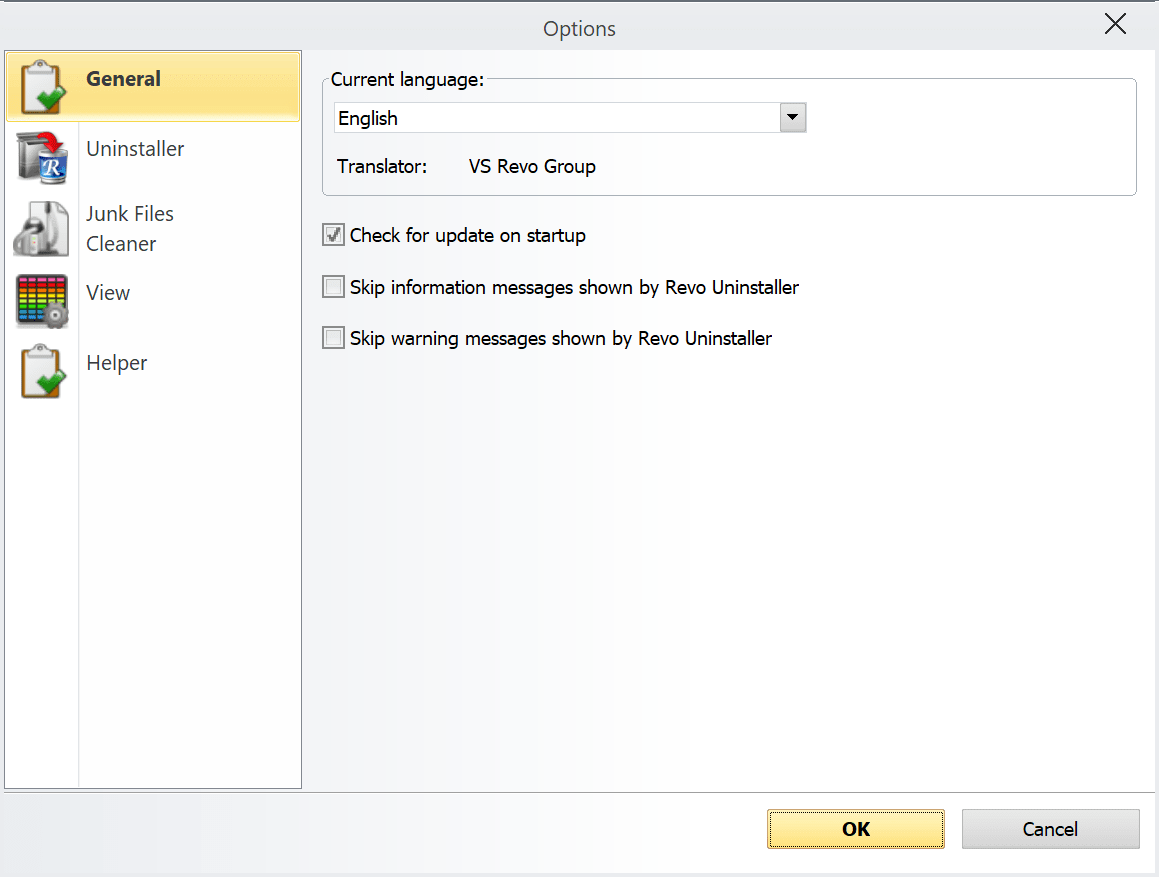
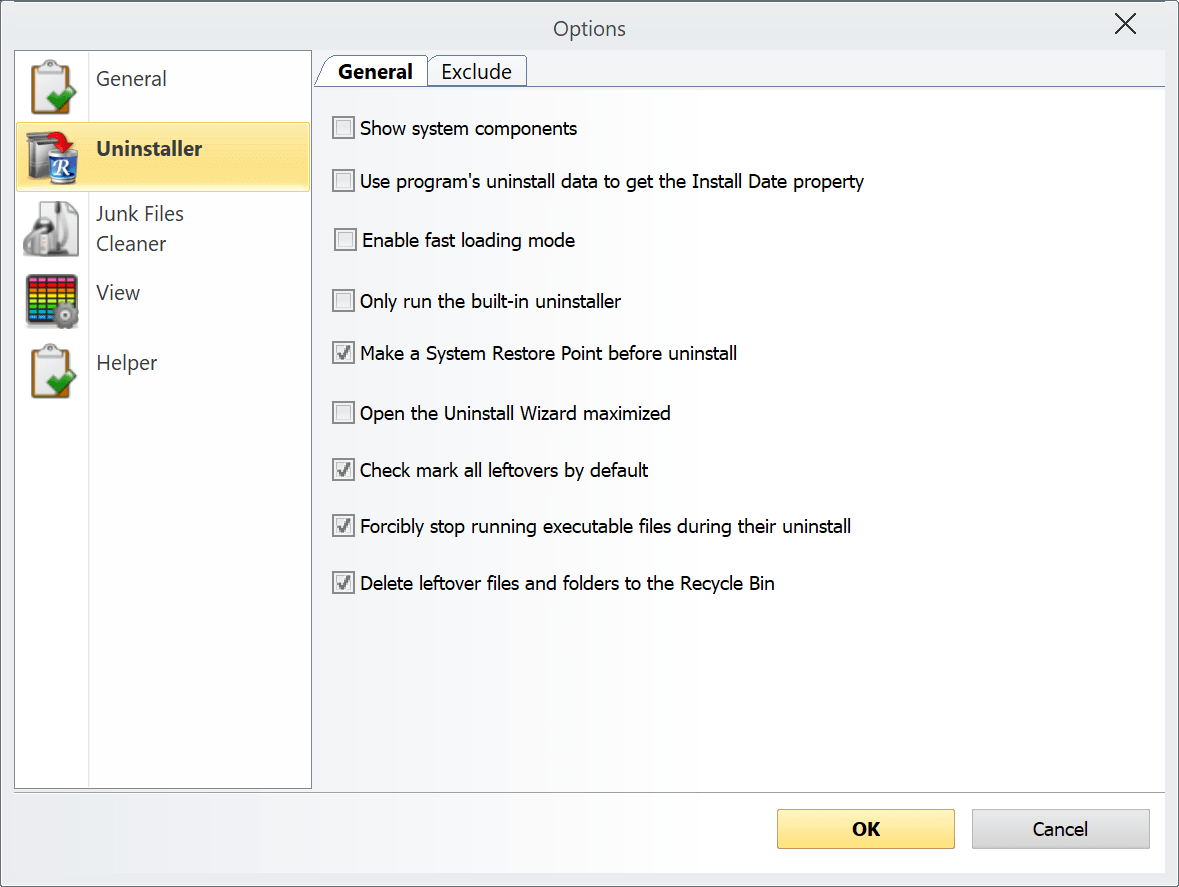
This extra layer of deep cleaning prevents software rot over time. It proves especially useful when you need to gut heavy suites, aggressive utilities, or buggy software that refuses to uninstall cleanly. You can also toggle between different scanning modes, letting you prioritize raw speed or comprehensive deep cleaning.
Additional system cleanup features
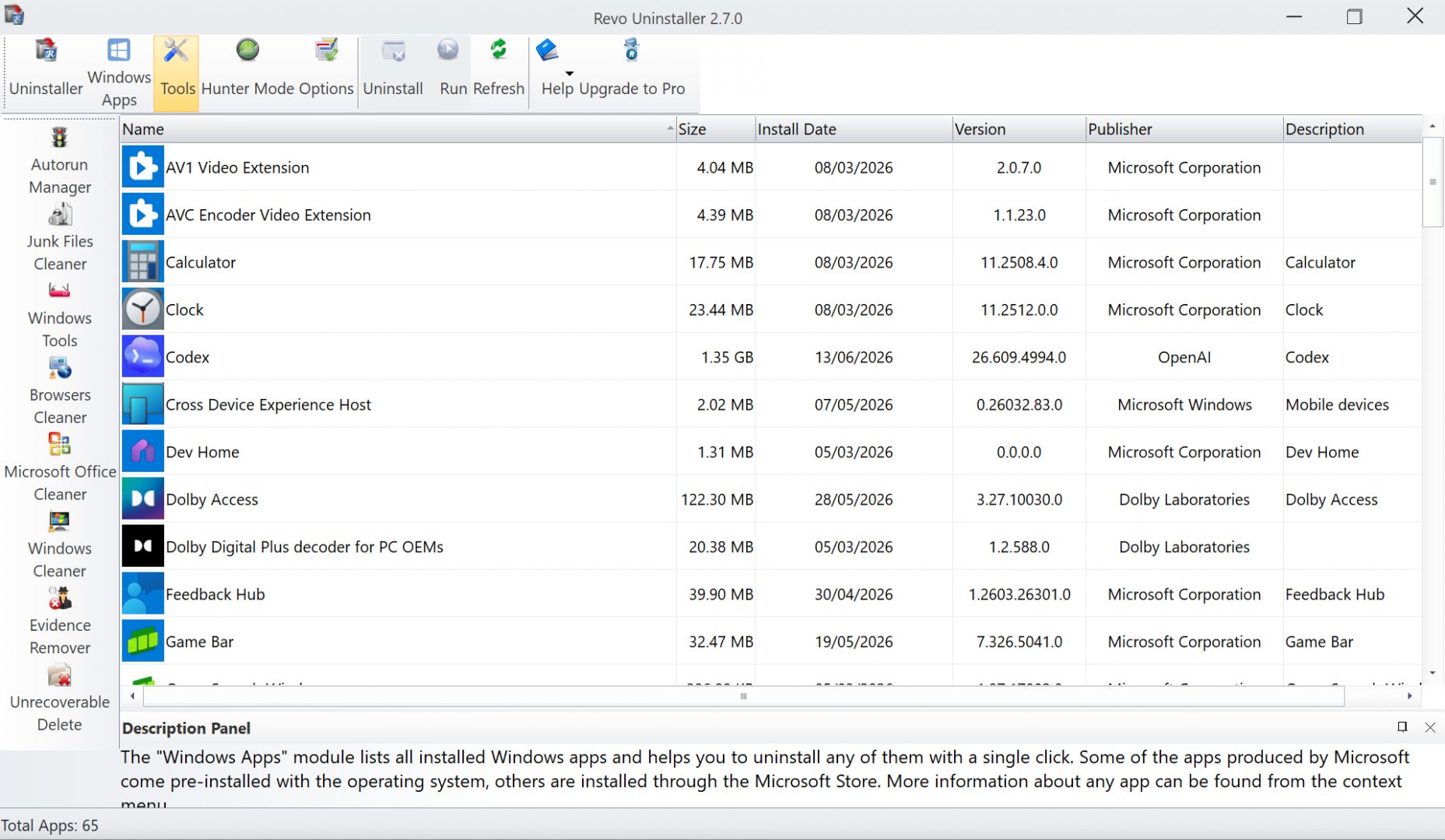
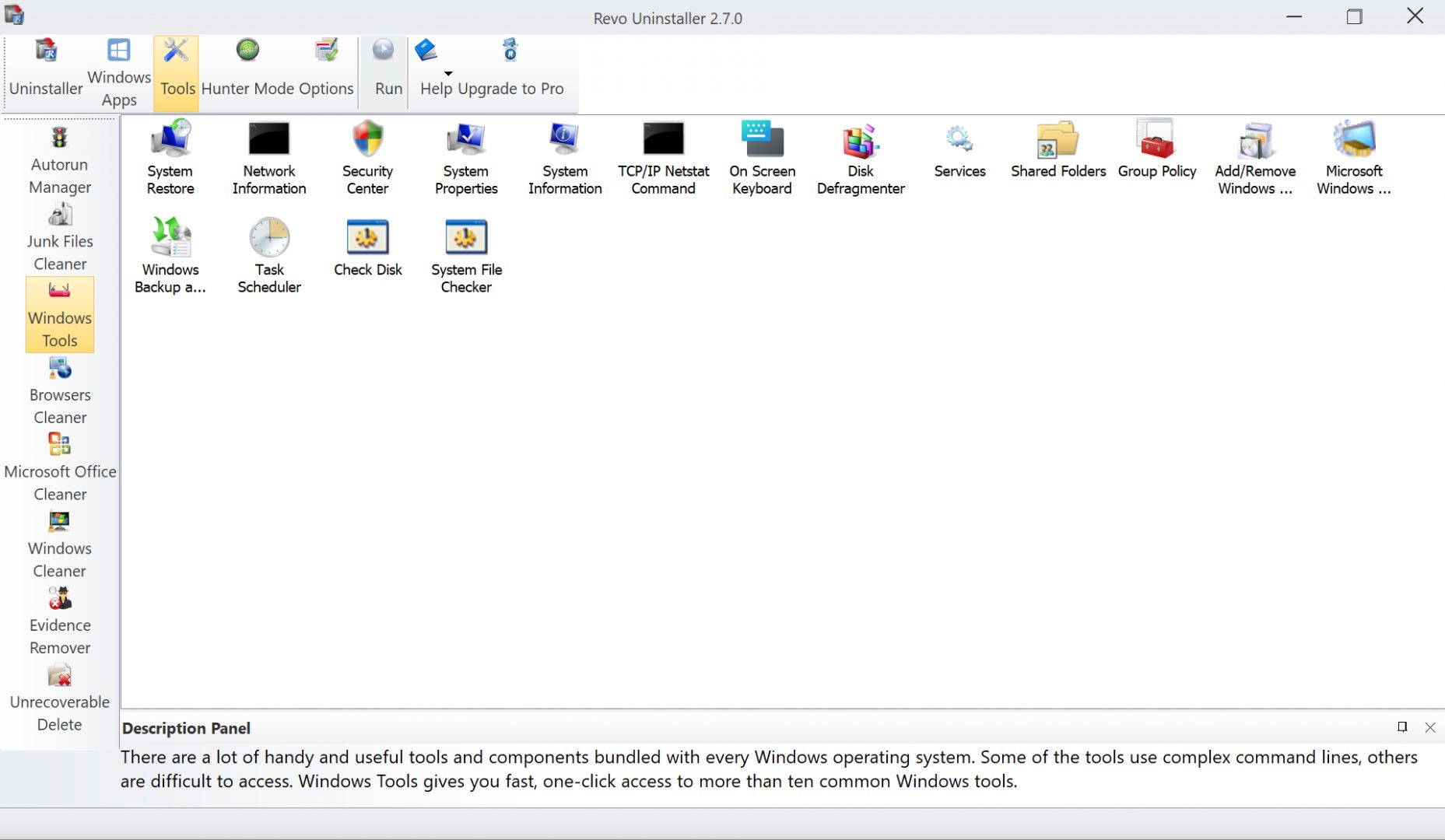
Revo extends beyond basic software removal with a suite of built-in maintenance tools. The free version includes highly practical utilities out of the box:
- Hunter Mode (an innovative crosshair tool to uninstall or terminate an app simply by pointing at its desktop window or icon)
- Autorun and startup management tools
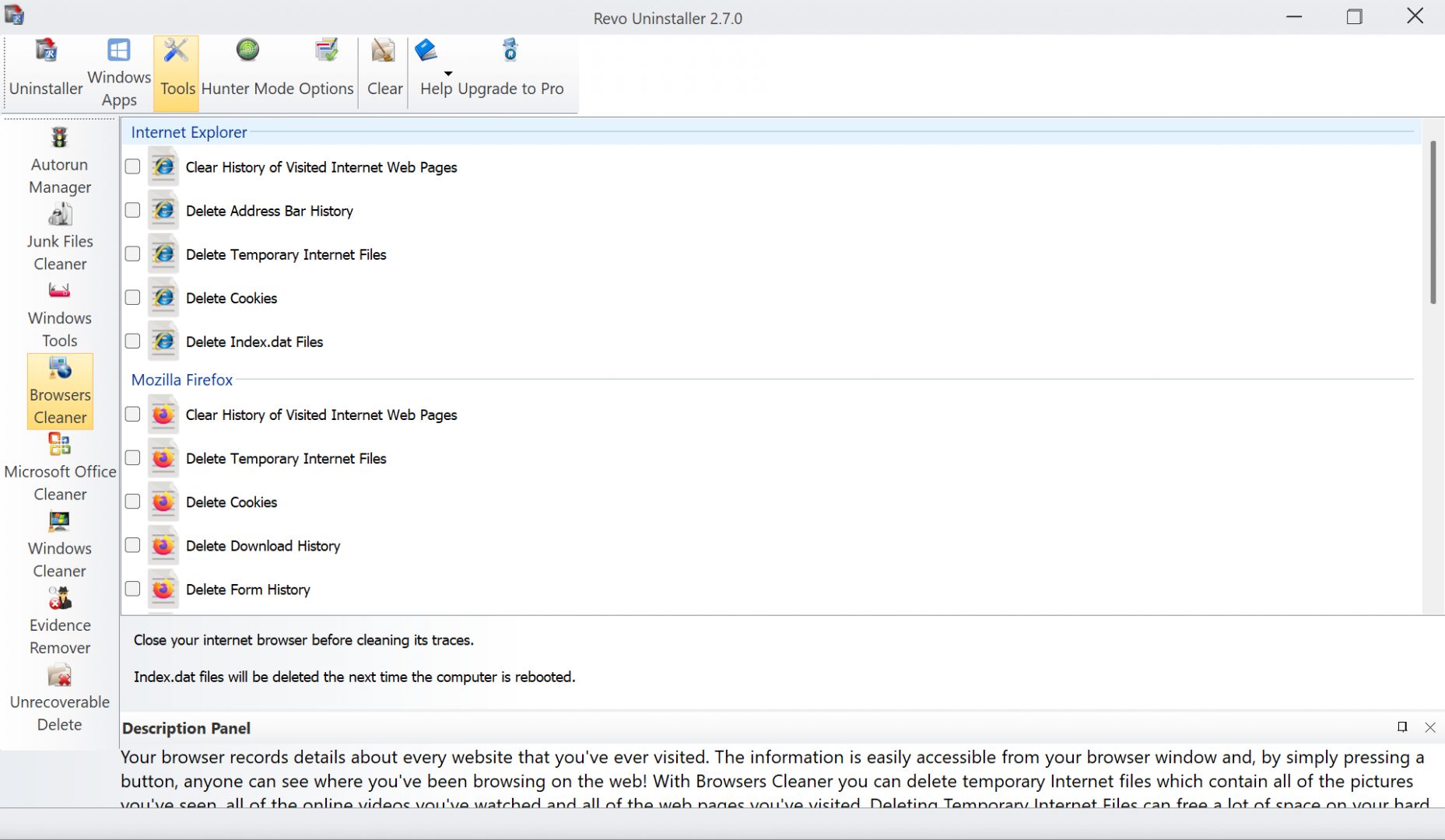
- Browser cleanup utilities
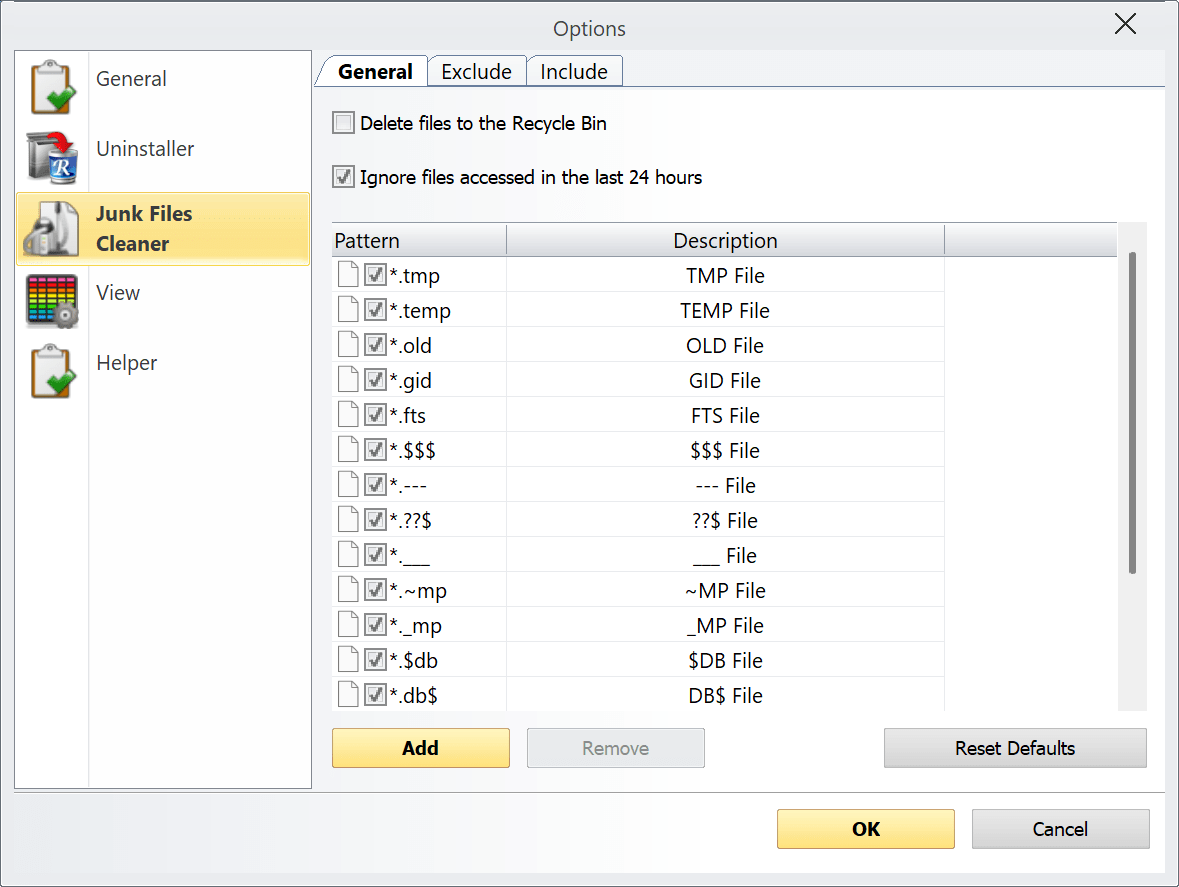
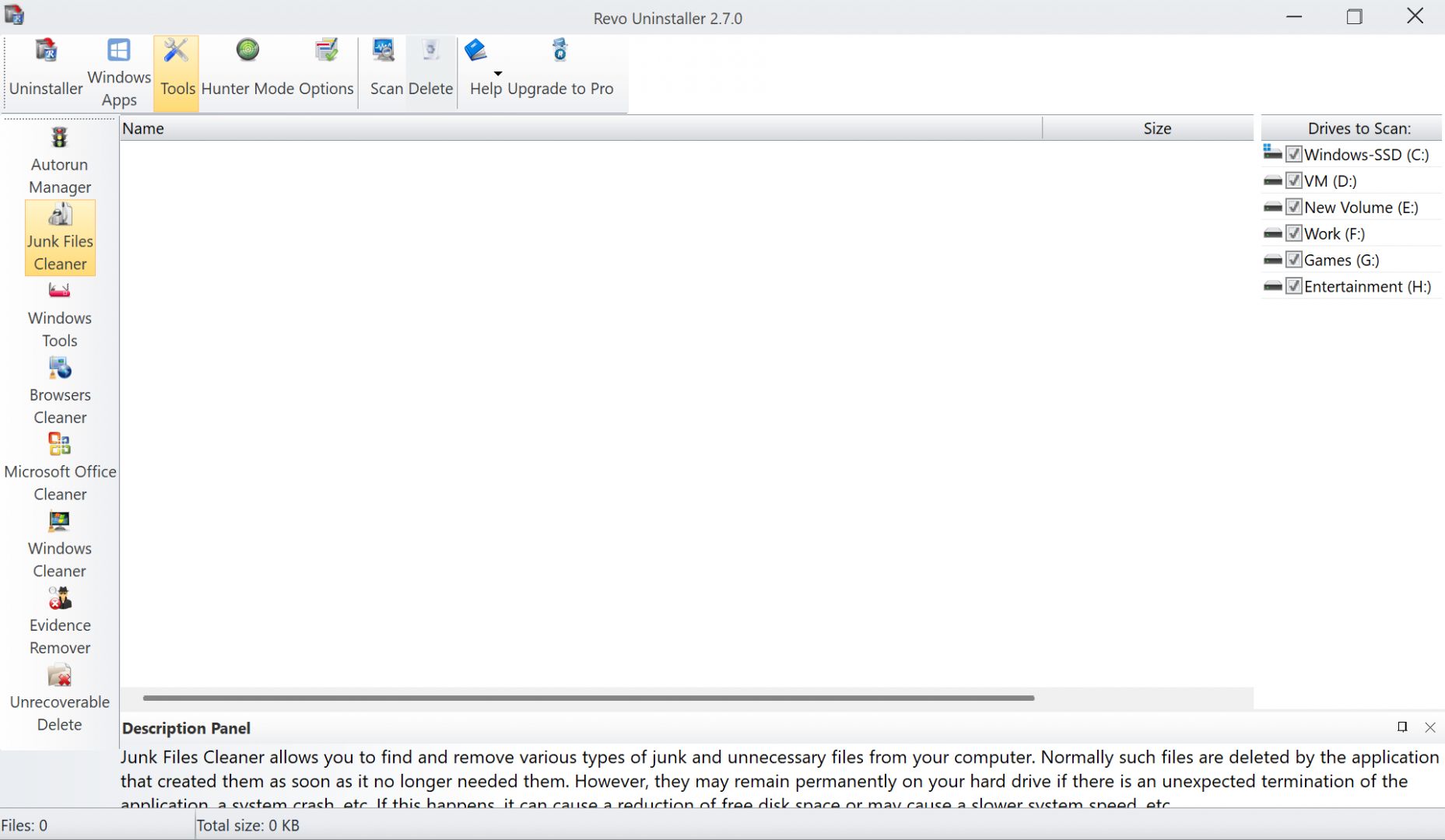
- Temporary file and junk data removal
Stepping up to the Pro version unlocks heavier firepower, including Forced Uninstall for broken applications, bulk multi-program uninstalling, and real-time installation monitoring that tracks exact system changes as software installs.
Pricing and availability
Revo Uninstaller operates on a freemium licensing model. The free tier is remarkably highly capable and includes eight additional system optimization tools alongside the core leftover scanner. The paid Pro version adds premium features like Forced Uninstall, extended scanning algorithms, and a multi-level backup system to prevent accidental registry damage.
Because the final cost depends on the tier chosen or active promotions, you should check the official website for current rates.
A powerful tool for cleaner and more complete software removal
Revo Uninstaller provides an excellent alternative to native Windows removal tools. By hunting down hidden leftover files and giving you the power to nuke stubborn applications, it serves as a highly valuable utility for maintaining a healthy operating system. While a few advanced features require a paid license, the free version alone easily stands as one of the most capable and trusted system utilities available for Windows.